Creality Ender5 “device not accepting address XX, error -32”
Recently my Creality Ender 5 stopped connecting to my Octoprint server. Octoprint would try to connect and give the message:
Error: No more candidates to test, and no working port/baudrate combination detected.”
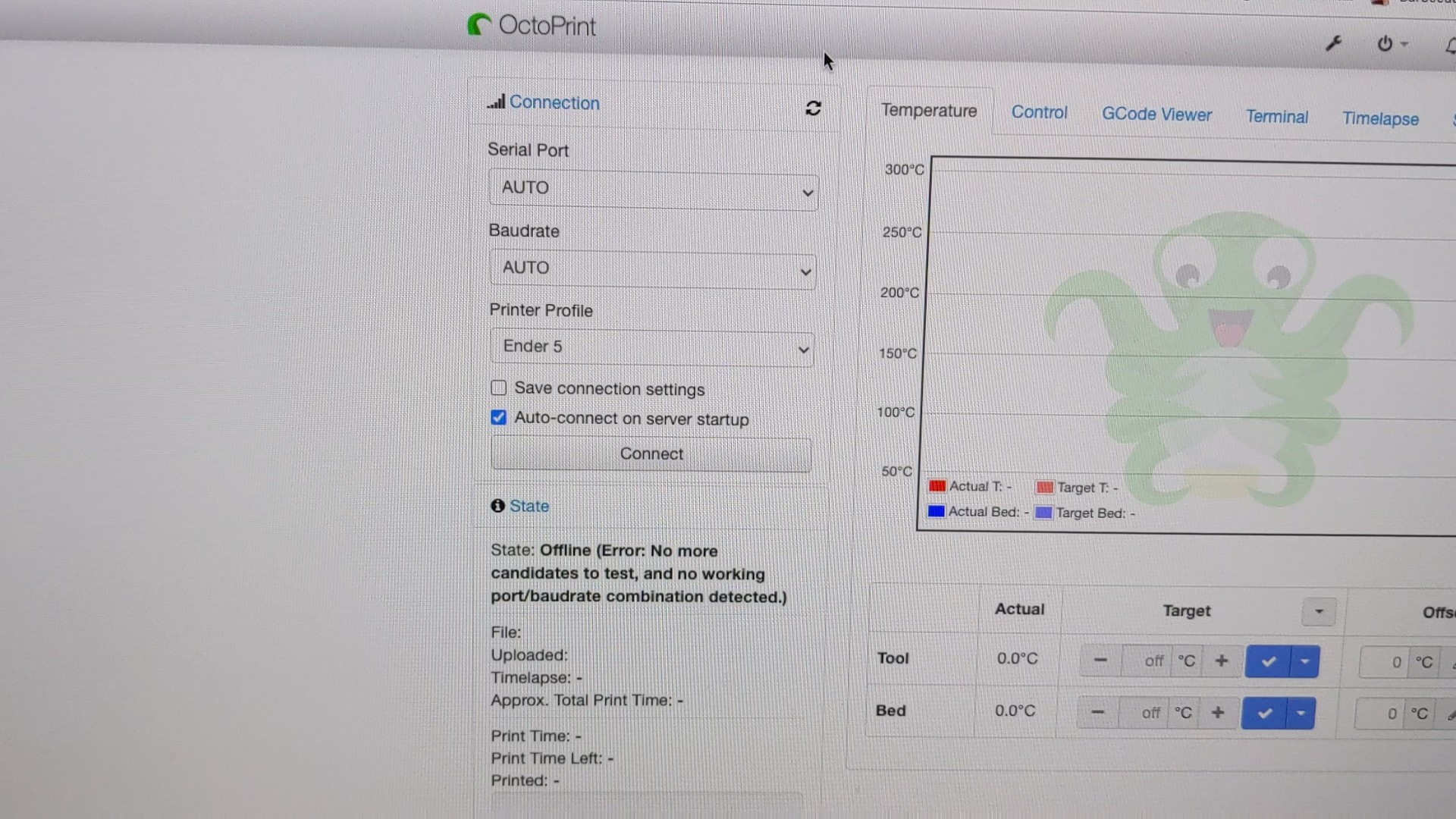
I tried many things to fix the issue.
SSH to my Octoprint Raspberry Pi:
ssh pi@pi.ip.add.ress
then check the kernel log after connecting the printer to the Pi:
pi@octopi:~ $ sudo dmesg
[90810.079968] usb 1-1.5: new full-speed USB device number 35 using dwc_otg
[90810.180078] usb 1-1.5: device descriptor read/64, error -32
[90810.400002] usb 1-1.5: device descriptor read/64, error -32
[90810.619989] usb 1-1.5: new full-speed USB device number 36 using dwc_otg
[90810.719994] usb 1-1.5: device descriptor read/64, error -32
[90810.940010] usb 1-1.5: device descriptor read/64, error -32
[90811.060101] usb 1-1-port5: attempt power cycle
[90811.720024] usb 1-1.5: new full-speed USB device number 37 using dwc_otg
[90812.160034] usb 1-1.5: device not accepting address 37, error -32
[90812.260032] usb 1-1.5: new full-speed USB device number 38 using dwc_otg
[90812.700053] usb 1-1.5: device not accepting address 38, error -32
[90812.700155] usb 1-1-port5: unable to enumerate USB device
Connecting the printer the my Mac, nothing happened, zero, nothing.
Connect the printer to Windows 10: hardware connection “bong” sound, then in device manager:
Unknown USB Device (Device Descriptor Request Failed)
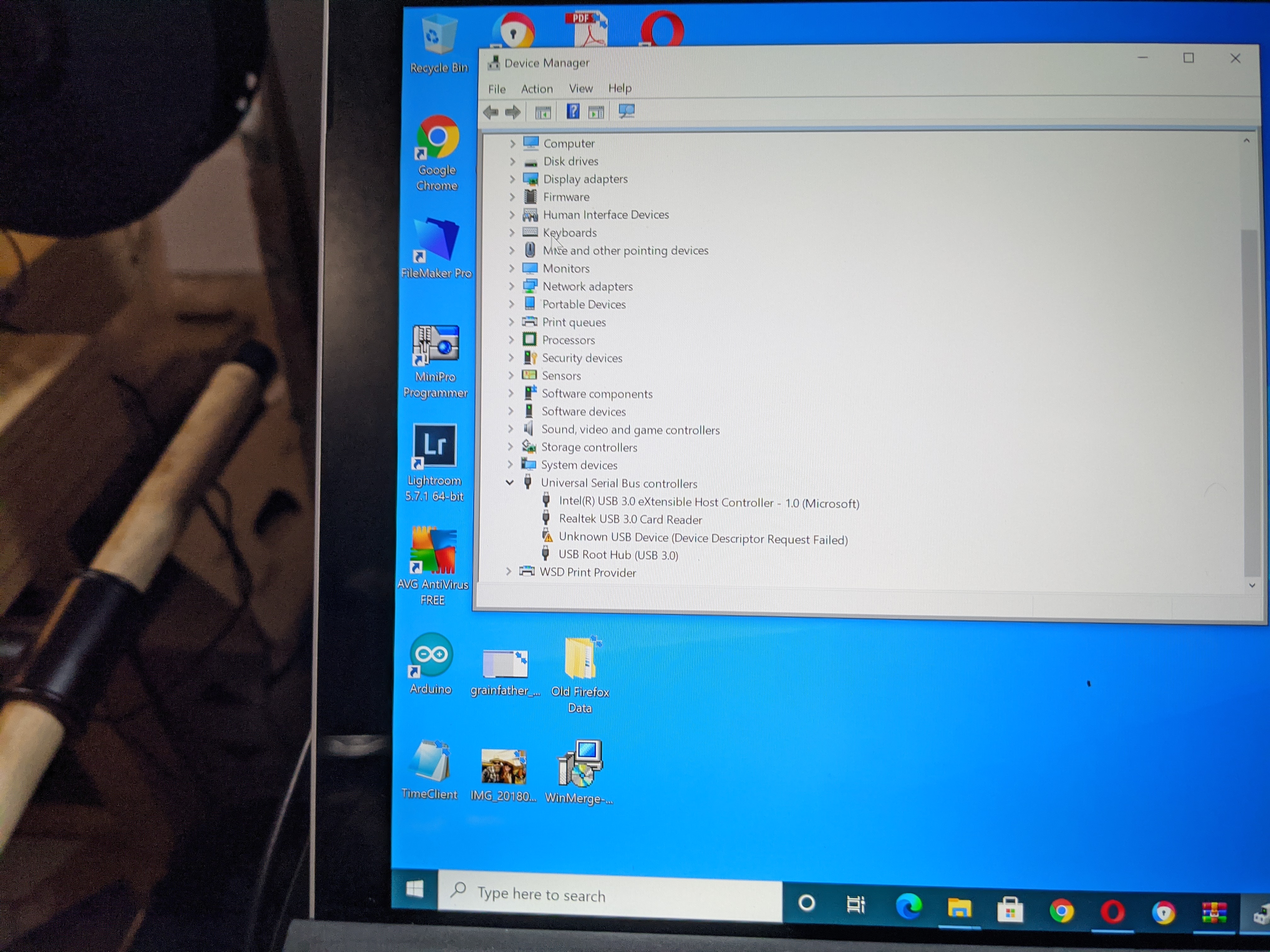
I tried different cables with no change.
Most times, troubleshooting an issue is a process of answering the question:
It used to work, then I did X, then it stopped working. What is X?
Well, for me the Ender 5 was working fine with Octoprint. Then I accidentally tried to start a print with the printer powered off. The Ender 5 has a curious “feature”, where the printer looks “ON”, but only the low power part and the display is receiving power from the USB port. Octoprint will connect fine. Once you try to start a print, the first thing that happens is that the bed starts to heat. Obviously the USB port doesn’t have enough power to heat the bed. Usually there is some error, but in this case I suspect that the USB serial adapter the WCH CH340G chip actually tried to send that much current, and overloaded the chip. After this that chip wouldn’t work right.
I ordered a replacement board, but while waiting for it to arrive I thought I would try to replace the chip. I didn’t have a direct replacement but, the CH340G chip is a VERY common USB to Serial chip. Turns out a generic Arduino Nano board I had has the same chip, so I decided to harvest its CH340G chip and try to repair my Ender 5.
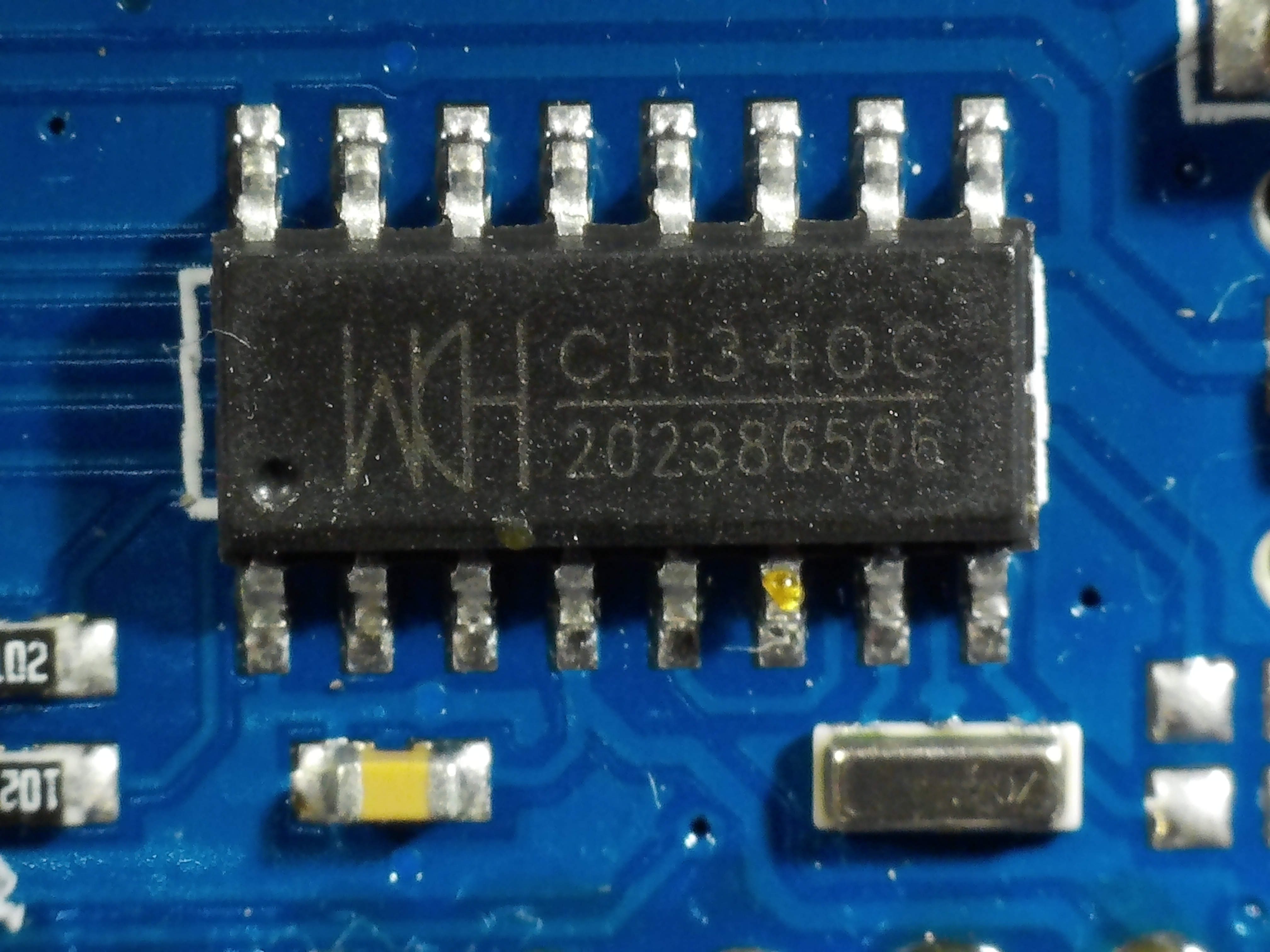
I removed the chip from the Ender board, and installed the one from the Arduino Nano. It worked.
Youtube tutorial video: